
RECENTLY VISITED
RECENTLY ADDED GAMES
RECENTLY ADDED DLCS
RECENTLY ADDED AVATARS
RECENTLY ADDED DEMOS
WEEKLY UPDATE
License Pack
…Get the latest license pack that unlocks all digital content on your console.
DISCOVER
Homebrews & Ports
Discover unofficial games and PC ports for your console.
Retro Emulators
Run classic consoles like SNES, Genesis and Arcade on your PS3™.
Retro Classics
Relive the golden era with a curated list of PS1™ and PS2™ digital classics.
Unreleased Prototypes
Explore rare builds and games that never made it to the shelves.
Premium Themes
Customize your XMB™ with dynamic and static high-quality themes.
System Tools
Manage your files, temperatures and system settings with advanced utilities.
Game Guides
Find manuals, strategy guides and extra material for your favorite games.
Videos
Explore trailers, behind-the-scenes videos and PlayStation™ video content.
Trending (Community)
MOST DOWNLOADED GAMES
MOST WANTED GAMES (WISHLIST)
Browse Database
Remote Download:
Remote:
Disconnected
Games (0 items)
Download Manager (0 items)
Packages you download will appear here.
My Wishlist (0 items)
Console Guides(Step-by-Step Knowledge Base)
Transferring via PC / USB
1. USB Preparation
- • Format: FAT32 with MBR partition map.
- • Packages: Place
.pkgfiles on the root of the USB. - • Licenses: Create an
exdatafolder on the root for.rapfiles.
2. Console Setup
- • Port: Use the rightmost USB port (closest to the disc drive).
- • Install: Go to Package Manager > Install Package Files > Standard.
- • Note: HEN or CFW must be enabled before installing.
Activating Games (.RAP Files)
Most PSN games require a license file (.rap) to boot. Without it, you will encounter a "Copyright Protection" or "Renew License" error.
Installation Flow
- • Place the
.rapfile inside theexdatafolder on your USB. - • Keep the USB plugged in while launching the game for the first time.
- • HEN Users: Ensure your console is activated (PSN Account linked).
Pro Tips
- • Filename: Do not rename
.rapfiles; they must match the Content ID. - • Offline: Use Apollo Save Tool to activate licenses without PSN.
Remote Installation (FTP/Network)
Best for files over 4GB (FAT32 limit). Enable FTP in webMAN MOD or multiMAN, use an FTP client like FileZilla on your PC, and transfer PKGs to:
dev_hdd0/packages. Once finished, install via Package Manager > Install Package Files > System Storage.
Fixing Missing Icons & Errors
If game icons disappear or the XMB feels sluggish, you need to rebuild the database.
- • Turn off the PS3™ and boot into Safe Mode (Hold Power until you hear 2 quick beeps).
- • Connect a controller via USB and select "Rebuild Database".
- • Safe: This does not delete your games; it only refreshes the system index.
Please enter your PS3™ IP in the top header and click the connect icon to load System Monitor.
Installed Games
(Disconnected)Auto Scan
Please enter your PS3™ IP in the top header and click the connect icon to list your games.
File Manager (Disconnected)
Please enter your PS3™ IP in the top header and click the connect icon to browse files.
Favorite Games (Offline)
Please connect to your PS3™ to see your favorite active games.
PlayStation™ Home
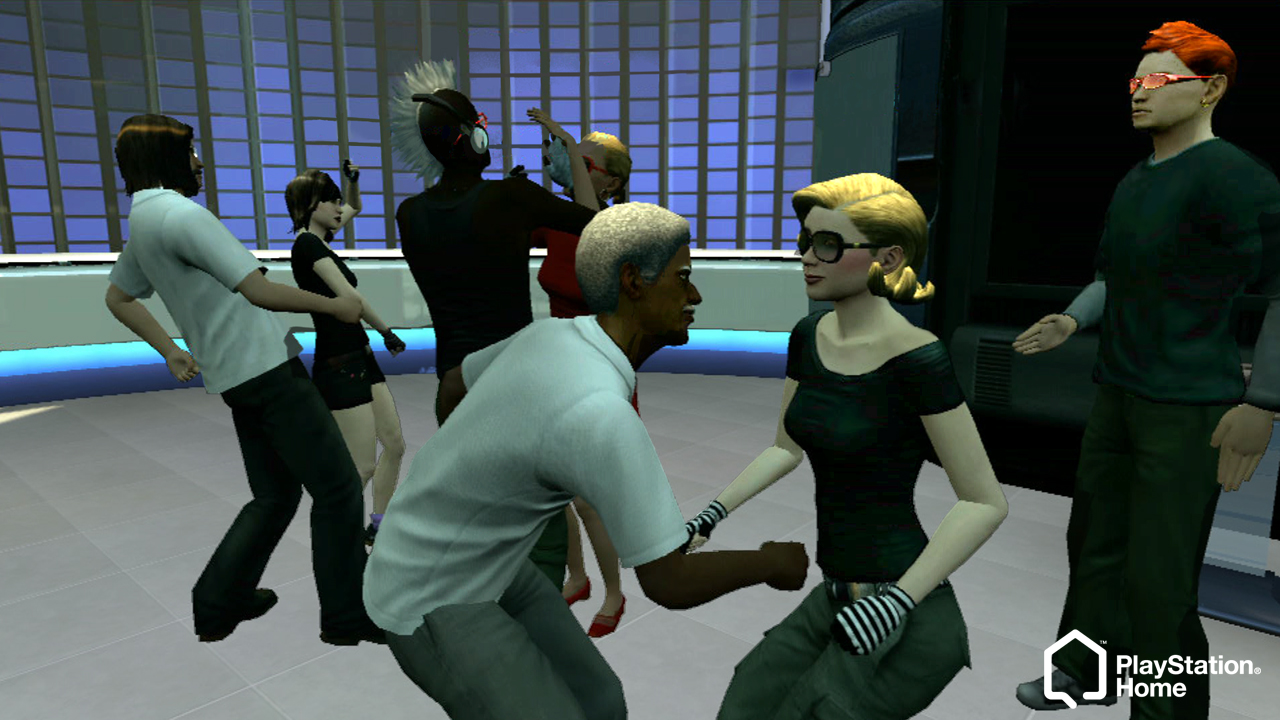
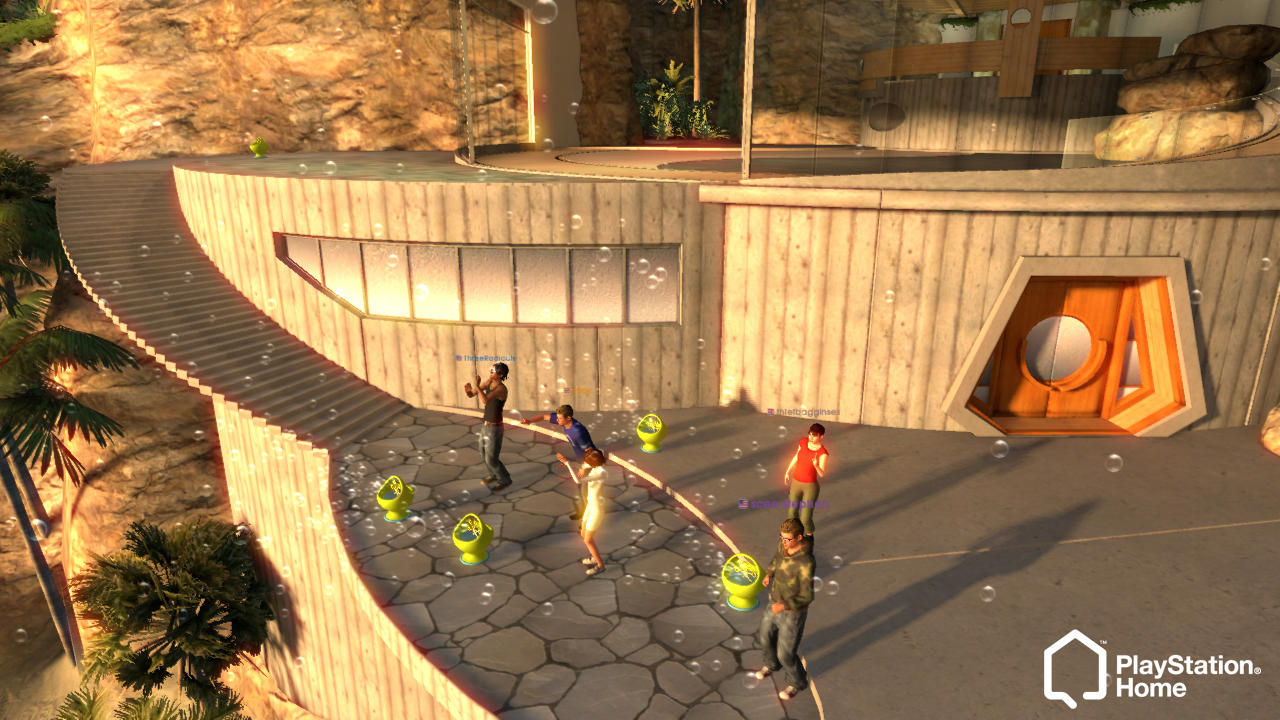
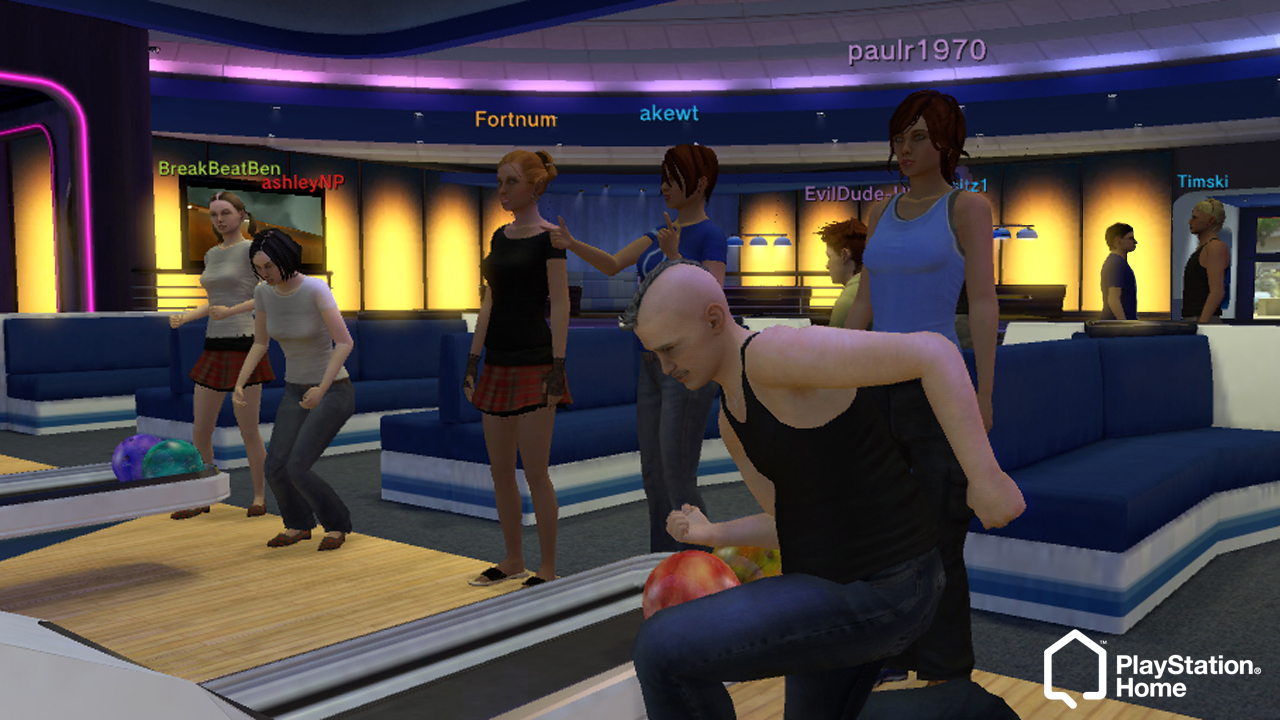
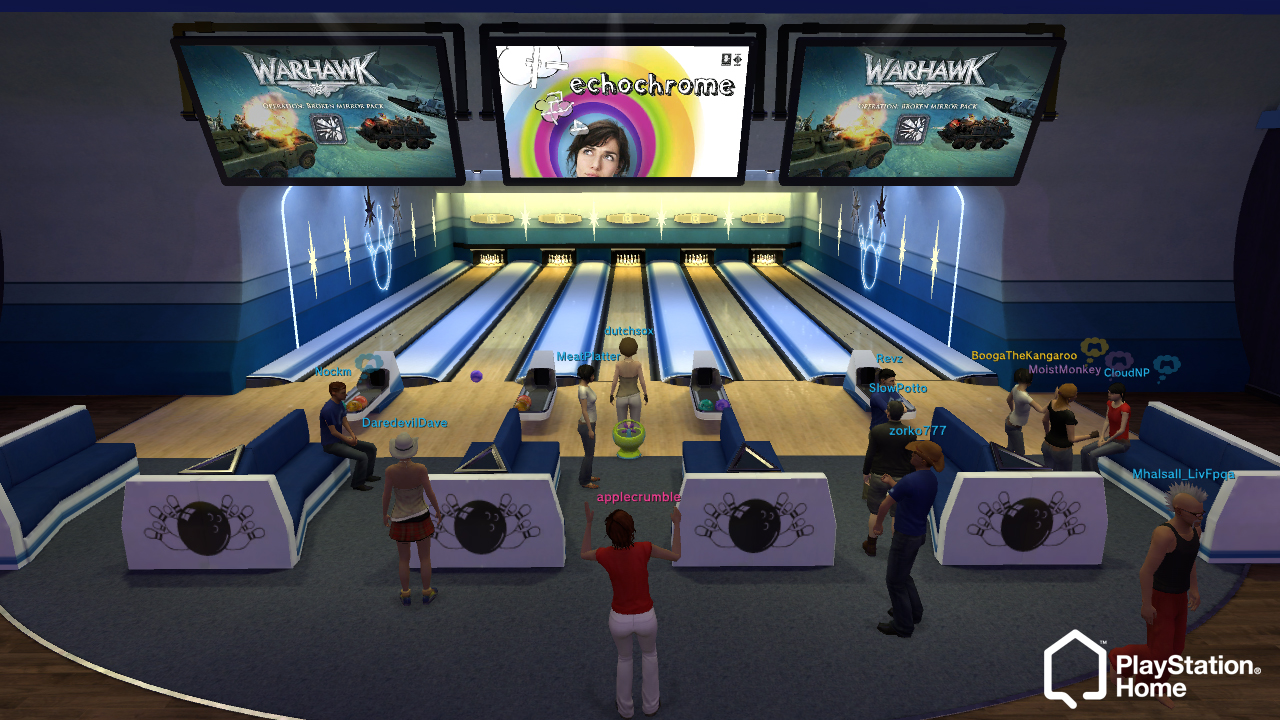
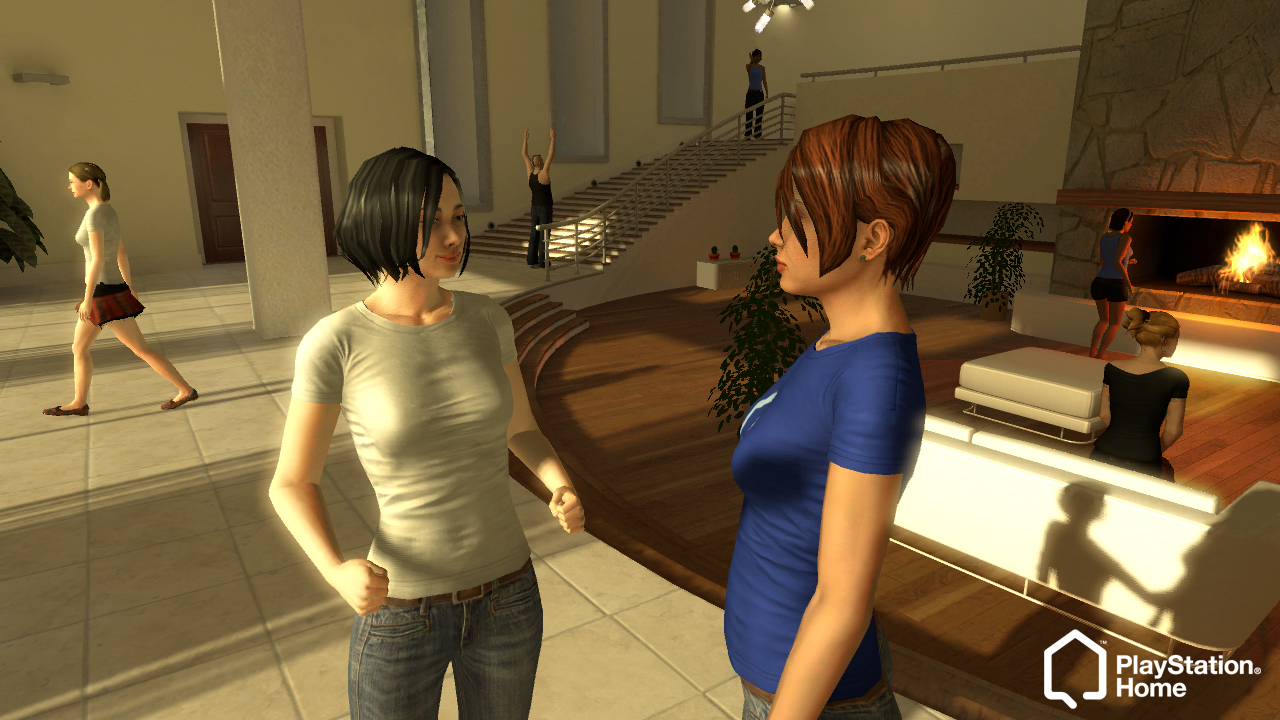
Welcome back to PlayStation Home, where the PlayStation social world comes alive again. Explore, connect, customize, and create your own virtual life.
GALLERY
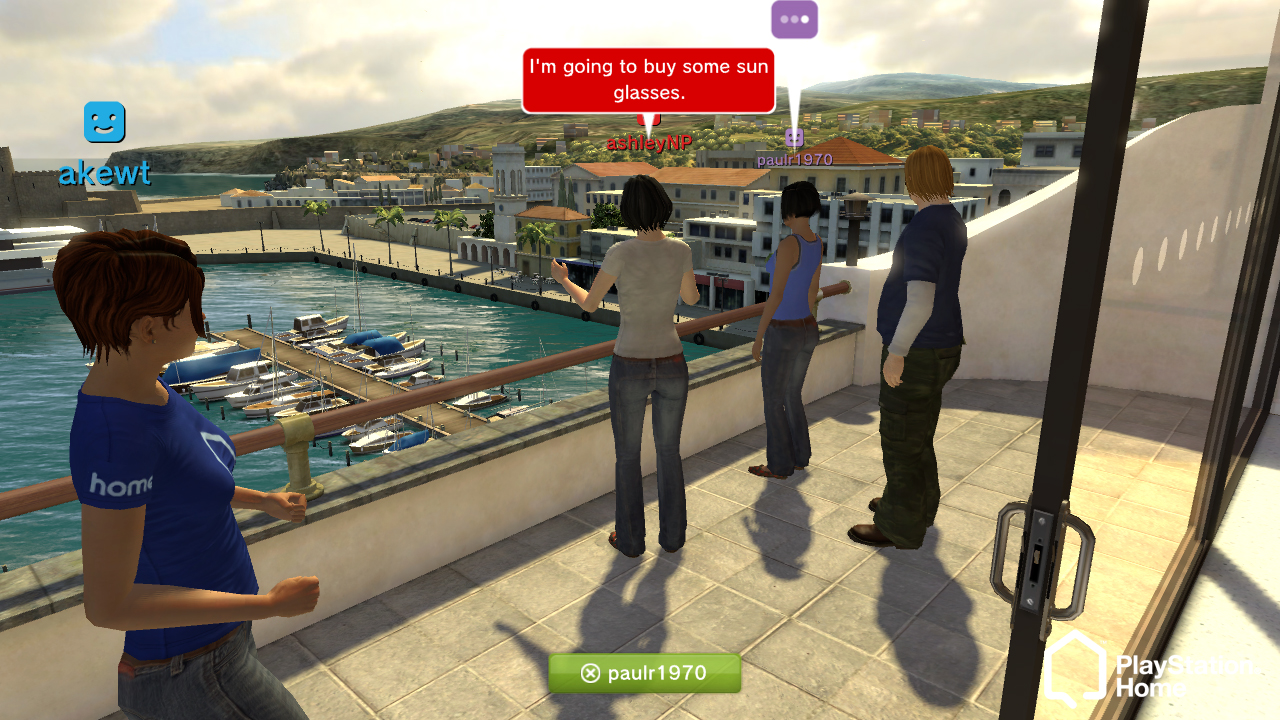
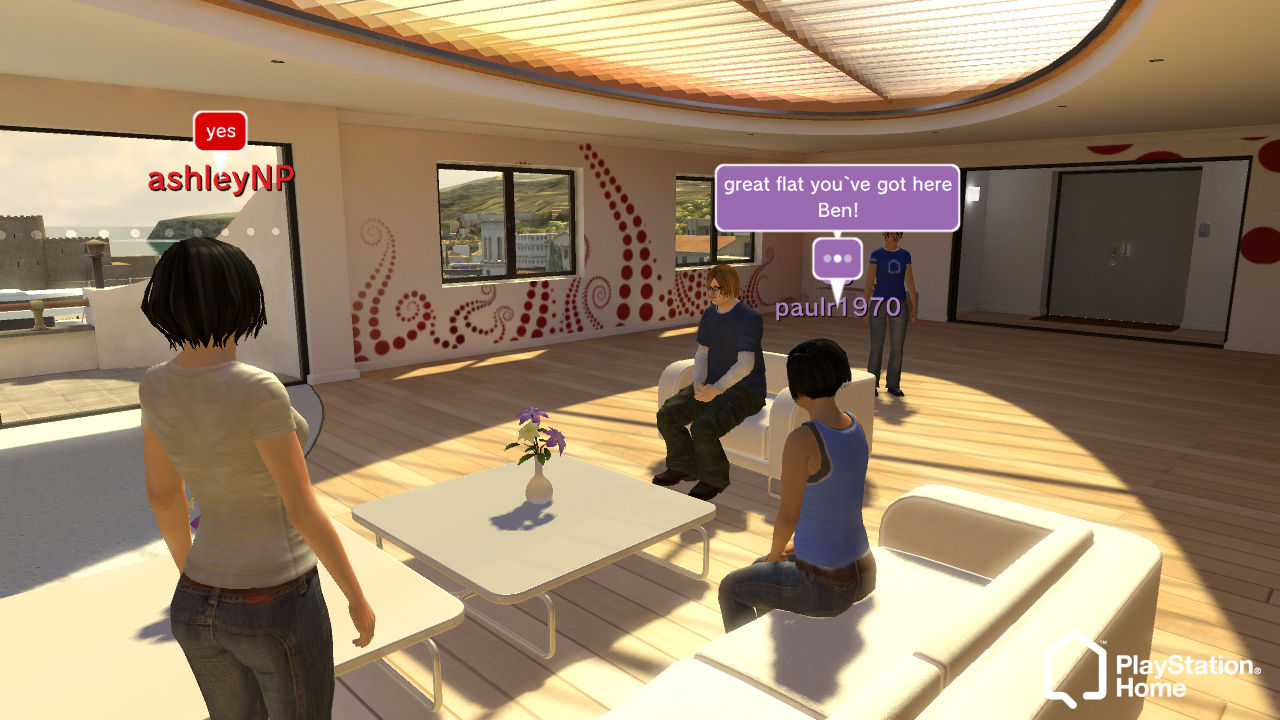
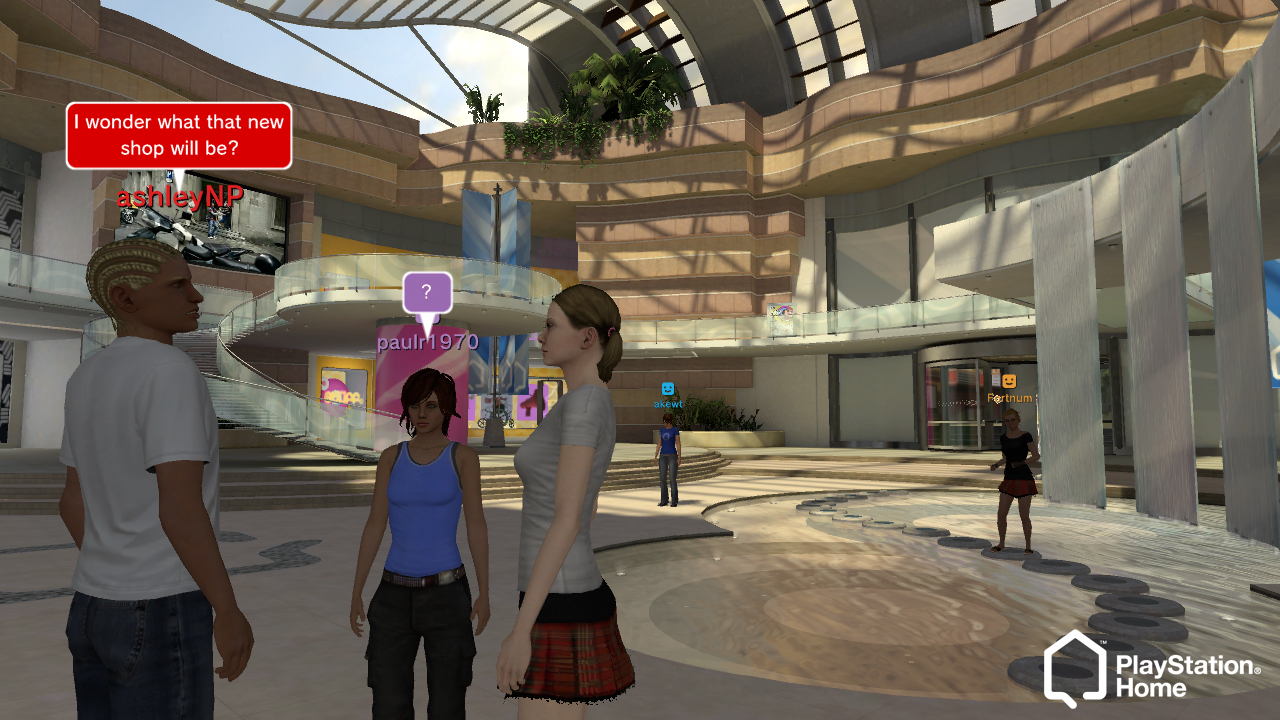
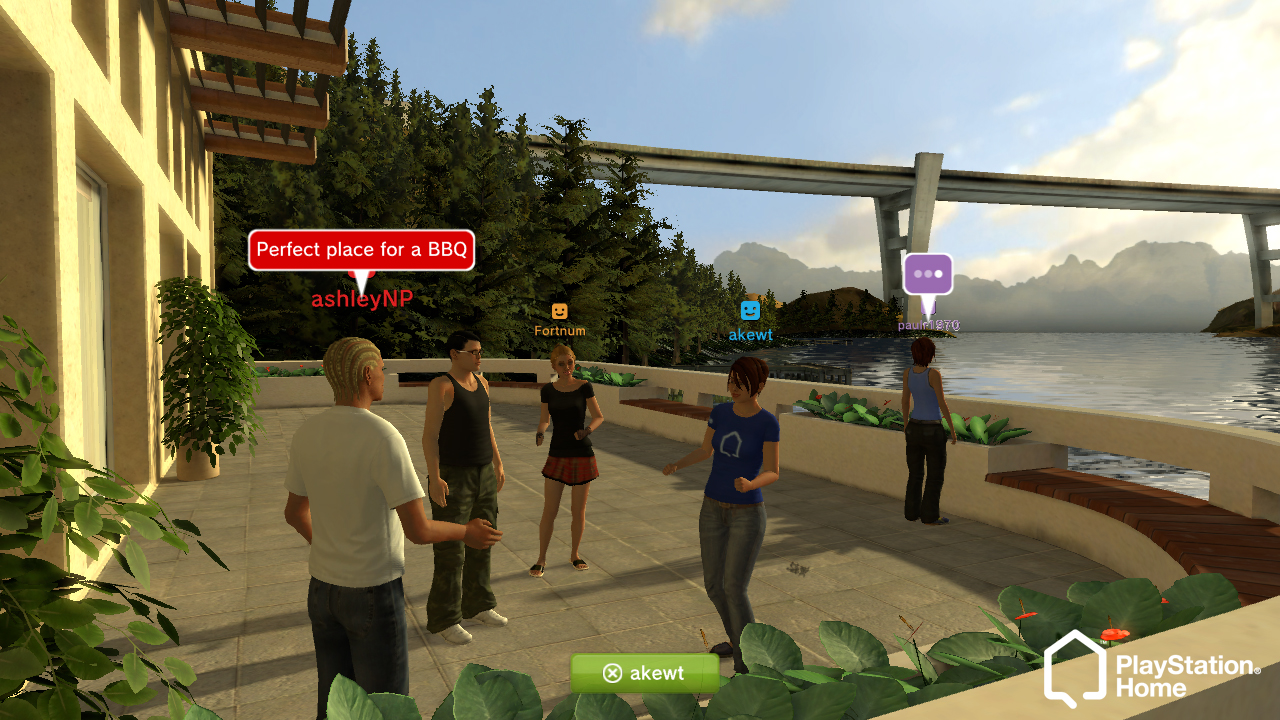
AVAILABLE SERVERS
Home Laboratory
… PLAYERSThe elite core of the scene. An open-source powerhouse built by community legends, featuring exclusive features and cutting-edge server emulation.
Home Headquarters
… PLAYERSA high-stability hub. Bringing back the authentic 2008 social vibe with faithful recreations of iconic events and spaces.
Destination Home
… PLAYERSThe world's largest social restoration project. A massive global community dedicated to preserving every corner of the original Home.
ABOUT THE PROJECT
PlayStation Home
PlayStation Home was a free 3D virtual world developed by Sony for the PlayStation®3. It allowed players to create custom avatars, own apartments, and socialize. It ran from 2008 to 2015, serving as a massive digital ecosystem for exclusive events and rewards.
"Now, the community is being revived by passionate fans. This global effort aims to recover lost data, allowing players to once again explore and relive the world of PlayStation Home."
Revived Servers (0 items)
Notifications
Syncing your latest activity.
Replies, mentions and trophies will appear here.
Settings
Admin Panel (Secure Control Center)
Administrator access required
This area only opens after the server confirms your account as admin.
Command center for the current session
Manage chat, online users, global announcements, database/cache health and quick diagnostics from one protected place.
System Overview
CheckingGlobal Broadcast
everyone autoMaintenance & Pins
ReadyChat Controls & Session Commands
LocalDatabase, Storage & Content Tools
Local ToolsUsers Showing 0/0
Server Health
Server Log
Report Center
Metadata Corrections 0

Store Reports 0
Moderation Log
Recent Activity Snapshot
-
Chat (Connected)
0 Online
Friends List
When you add other players, they will appear here.
Friend Activity
Getting the latest moments from your friends.
When your friends connect, go offline, play, download, wishlist or earn a trophy, it will appear here.
Play Together
Getting the titles where you are currently looking for players.
Open any game and enable Play Together to have it appear here.